
Quick Answer
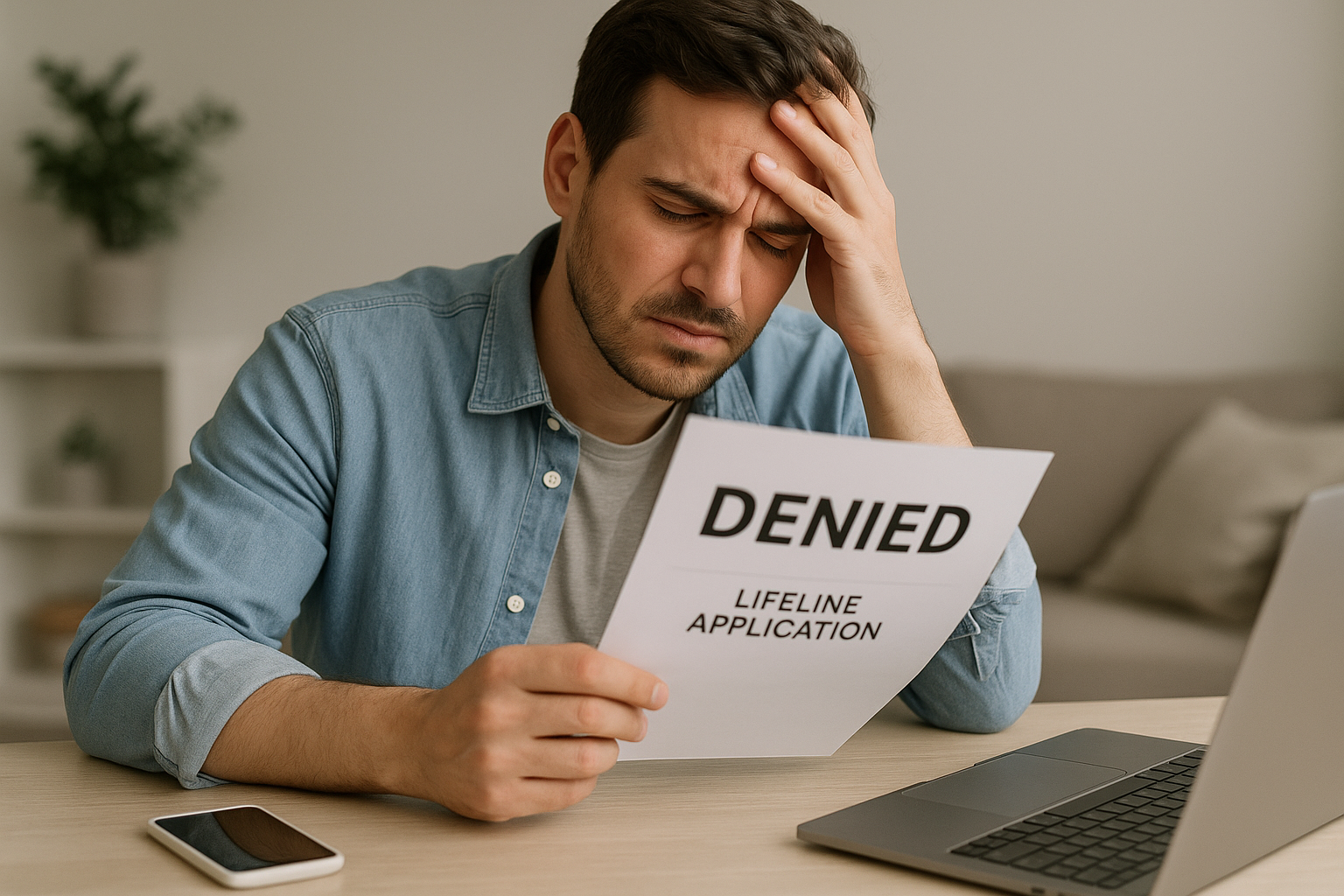
Your Lifeline application was most likely denied because the National Verifier could not confirm your eligibility, identity, address, or household status, or because another person at your address already receives the benefit. Other frequent issues include expired or unreadable documents, a nickname or name change that doesn’t match official records, or requesting the Tribal benefit when your address is not on federally recognized Tribal lands. Check the exact denial reason in your notice, gather the right documents, and resubmit through the National Verifier at CheckLifeline.org. With correct information, most denials can be resolved quickly.
What a Lifeline Denial Actually Means
Most denials originate with the National Verifier, the system USAC uses to confirm eligibility for the FCC’s Lifeline program. A denial does not mean you’re permanently ineligible—it means the system could not verify one or more items based on your application and the databases it checks (for example, SNAP, Medicaid, Social Security, and USPS address tools). Your message or letter will list the reason and what’s needed to fix it. In some cases, a provider may also decline to activate service for non-eligibility reasons such as network coverage, incompatible devices, or prior account issues. The steps below cover both types of denials.
Top Reasons Lifeline Applications Get Denied
1) You don’t meet income or program eligibility
Lifeline eligibility is based on either income (household income at or below 135% of the Federal Poverty Guidelines) or participation in a qualifying program such as SNAP, Medicaid, SSI, Federal Public Housing Assistance, Veterans Pension or Survivors Benefit, or eligible Tribal programs (BIA General Assistance, Tribally Administered TANF, Head Start income-based, FDPIR). If databases don’t show your enrollment, your name doesn’t match agency records, or reported income appears over the threshold, the application is denied.
How to fix it: If qualifying by program, upload a current benefit approval letter, statement of benefits, or verification letter that shows your name, the program name, and a recent date (typically within the last 12 months or the current benefits period). If qualifying by income, submit your prior-year tax return, three consecutive recent pay stubs, or official statements for benefits such as Social Security, unemployment, or pension. If your name has changed, include proof (marriage certificate, court order) so records match.
2) Missing, unreadable, or expired documents
Common problems include cropped images, glare or blur, missing pages, or documents older than allowed. Redacting any field the Verifier needs to see (name, dates, amounts, program title) will also trigger a denial. If the system can’t read the file or confirm the required details, approval won’t go through.
How to fix it: Upload full, high-resolution color scans or photos. Show the entire page—corners and all—with names, dates, and official logos visible. Don’t edit or redact. Accepted file types typically include PDF, JPG, JPEG, and PNG. If your proof is time-limited, submit the most recent document available.
3) Identity could not be verified
If the National Verifier can’t match your full legal name, date of birth, and the last four digits of your Social Security Number (or Tribal ID/other approved ID), you’ll see an identity failure. Nicknames, typos, digit transpositions, recent name changes, or using someone else’s email/phone number on your application can all cause mismatches.
How to fix it: Reapply using your exact legal name and information as shown on your government ID. If needed, upload an unexpired driver’s license, state ID, passport, birth certificate, or an acceptable combination of identity documents. If you changed your name, include the marriage certificate, divorce decree, or court order. If there’s a fraud alert or credit freeze tied to your identity, you may be asked for additional proof.
4) Address could not be validated
Lifeline requires a physical service address. If the USPS database can’t verify your address, or you listed only a P.O. Box, your application can fail. Non-standard, rural-route, shelter, or temporary addresses may also trigger flags if not entered completely.
How to fix it: Provide a full physical address, including apartment, unit, or lot number. For rural routes or non-standard addresses, add detailed description lines if available (nearby cross-streets, landmarks). If you are unhoused or using a temporary address, Lifeline allows a descriptive address; follow the prompts to certify and confirm periodically as required. For proof, upload a current utility bill, lease, mortgage, or an official letter with your name and physical address.
5) Duplicate benefit at your address (one-per-household rule)
Lifeline allows only one discount per household. If someone at your address already has Lifeline, the system denies a new application as a duplicate. Roommates who do not share money may both qualify, but they must certify that they are independent economic households.
How to fix it: Complete the Lifeline Household Worksheet to certify separate households at the same address and explain how you do not share income and expenses. If a former roommate moved out or a relative no longer uses Lifeline, have them de-enroll or wait for their benefit to end before reapplying.
6) Age or household authority issues
You must generally be at least 18 years old or an emancipated minor to enroll. If a minor applies without proof of emancipation, the application will be denied. In group-living settings, the applicant must manage their own finances.
How to fix it: If under 18, upload proof of emancipation. In nursing homes, shelters, or group homes, the applicant should complete the Household Worksheet to show they constitute a separate household.
7) Deceased or data mismatch flag
Occasionally, a database will incorrectly flag an identity as deceased or produce other mismatches. While this is a data error, it will block approval until corrected.
How to fix it: Contact the Lifeline Support Center and provide identity documents to clear the record. If the issue originates with Social Security or another agency, update your records there first, then reapply.
8) Tribal benefit requested but address not on Tribal lands
Applicants requesting the Tribal enhancement must live on federally recognized Tribal lands. If your address is outside those boundaries, the Tribal portion will be denied, and in some cases the entire application may be rejected if documentation conflicts.
How to fix it: If you live on Tribal lands, upload proof of residence and a Tribal ID or documentation from a qualifying Tribal program. If you have moved off Tribal lands, you may still qualify for the standard Lifeline benefit by reapplying without the Tribal designation.
9) Provider-level denial after National Verifier approval
After you’re approved by the National Verifier, a provider can still decline activation due to network coverage gaps at your address, incompatible or locked devices, or internal account policies. This isn’t a Lifeline eligibility denial but it can block service with that carrier.
How to fix it: Ask the provider to specify the reason and how to resolve it. You can also take your National Verifier approval to a different Lifeline provider serving your area.
Common Denial Reasons and Exactly How to Fix Them
| Denial reason | What to submit | Where to fix |
|---|---|---|
| Program not found (SNAP/Medicaid/etc.) | Recent benefit letter, approval/verification letter, or statement showing your name, program, and date | Upload at CheckLifeline.org |
| Income too high / not verified | Prior-year tax return or three consecutive recent pay stubs, or official benefits statements | Upload in the National Verifier portal |
| Identity could not be verified | Unexpired government ID; if your name changed, include marriage/divorce/court documents | Upload in the National Verifier portal |
| Address not validated | Utility bill, lease, mortgage, or official letter with your physical address | Update the address and upload proof in the portal |
| Duplicate household | Completed Household Worksheet certifying a separate economic household | Submit the worksheet via the portal |
| Tribal lands mismatch | Proof of residence on Tribal lands and a Tribal ID or qualifying program document | Update your application and upload proof |
| Documents unreadable/expired | Clear, full-color scans or photos with all pages and dates visible | Replace files in the portal |
| Provider denied activation | Confirm device compatibility and coverage; or choose another provider | Work with the provider or switch carriers |
How to Fix a Lifeline Denial Step by Step
- Read the denial message carefully. Note any codes or phrases such as identity failure, duplicate, address mismatch, or eligibility not found.
- Log in to the National Verifier. Go to CheckLifeline.org, sign in, and open your application to see document requests and deadlines.
- Gather the right documents. Choose the simplest valid proof. For program eligibility, a single official benefits letter with your name and a recent date is often enough. For income, use a tax return or three consecutive pay stubs.
- Make clear, complete copies. Photograph or scan in good lighting. Include the entire page, show all corners, and avoid glare. Save as PDF or JPEG.
- Match your legal information exactly. Enter your name, date of birth, and address as they appear on your documents. Include apartment or lot numbers and avoid nicknames or initials.
- Resolve duplicates with the Household Worksheet. If someone at your address also receives Lifeline but you are separate households, complete and upload the worksheet provided in the portal.
- Submit and track status. Upload the files and resubmit. Many decisions are instant; document reviews can take a few business days. Watch for email and portal messages from USAC.
- If needed, contact support. Call the Lifeline Support Center at 800-234-9473 or use the contact options at LifelineSupport.org if you get stuck.
Special Situations and How to Handle Them
Homeless, shelter, or temporary addresses
You can qualify without a traditional street address. Use a descriptive address or the shelter’s physical address and certify that it is temporary when prompted. Lifeline may require periodic reconfirmation of your address status. For mail delivery, you can provide a P.O. Box in addition to a physical description.
Group living, nursing homes, and multi‑unit housing
Multiple Lifeline subscribers can live in the same building if they are separate households. Complete the Household Worksheet to explain that you do not share income and expenses. Always include unit, apartment, or room numbers to prevent duplicate flags.
College students
Students may qualify if they meet income or program criteria and are financially independent. If you share finances with parents at the same address, you’re part of that household for Lifeline purposes. If you live separately and pay your own expenses, complete the worksheet if the address triggers a duplicate review.
Non‑citizens and mixed‑status families
U.S. citizenship is not required. You need acceptable identity documentation and must meet the income or program criteria. If you don’t have an SSN, you can use a Tribal ID or other approved documents listed in the National Verifier portal.
Puerto Rico, U.S. territories, rural routes, and P.O. Boxes
Lifeline is available in every state and many territories. Use a physical service address even if mail is delivered to a P.O. Box. For rural routes or informal addresses, include detailed location descriptions and upload address proof from a utility or housing document when possible.
Timelines, Reapplying, and Appeals
Document window: If the National Verifier asks for documents, you typically have a limited window—often 45 days—to upload them before the application expires. If it expires, start a new application.
After approval: Once approved, you generally have up to 90 days to choose a participating Lifeline service provider and activate service. If you don’t enroll in time, your approval can lapse and you’ll need to reapply.
Appealing a denial: If you believe the denial is incorrect and you’ve already submitted clear, correct documents, file a Request for Review with USAC within 60 days of the decision. You can submit through USAC’s appeals process (details at LifelineSupport.org). If you disagree with USAC’s decision, you can request an FCC review or file an informal complaint at consumercomplaints.fcc.gov.
Provider‑Level Denials: What If a Carrier Says No?
If the National Verifier approves you but a carrier declines to activate service, ask for the specific reason in writing. Common issues include lack of coverage at your address, an incompatible or locked device, or internal account policies. You may switch to another participating Lifeline provider at any time. A different carrier’s network, device policies, or plan options may resolve the issue.
Prevent Future Denials: A Quick Checklist
- Use your full legal name exactly as it appears on your government ID.
- Enter a complete physical service address, including unit or lot numbers.
- Qualify via the simplest path: a current program benefits letter if you have one; otherwise, clear income proof.
- Upload unedited, full‑page, high‑resolution documents with visible dates, names, and official logos.
- If others live at your address, complete the Household Worksheet if you are separate economic households.
- If your name changed, include proof and update your records with relevant agencies.
- Track deadlines in the National Verifier portal and respond promptly to any document requests.
Where to Get Help
Start with the National Verifier at CheckLifeline.org to view or update your application. For questions, contact the Lifeline Support Center at 800-234-9473 or visit LifelineSupport.org. If a provider denies activation, ask for their reasons in writing and consider trying another participating carrier in your area.
Frequently Asked Questions
What documents prove I’m eligible for Lifeline?
For program-based eligibility: a recent approval letter, statement of benefits, or verification letter from SNAP, Medicaid, SSI, Federal Public Housing Assistance, Veterans Pension/Survivors Benefit, or an eligible Tribal program (BIA General Assistance, TTANF, Head Start income-based, FDPIR). For income-based eligibility: your prior-year tax return, three consecutive recent pay stubs, or official statements from Social Security, unemployment, pension, or similar benefits. Documents must clearly show your name, the program or income source, and a recent date when required.
Can I apply without a Social Security Number?
Yes. If you don’t have an SSN, you can verify identity with acceptable alternatives such as a Tribal ID or other government-issued documents listed in the National Verifier. You still need to meet income or program requirements and provide a verifiable physical service address.
Someone at my address already has Lifeline. Can I still qualify?
Possibly. Lifeline allows one discount per household, but multiple people at the same address can each qualify if they are separate economic households (for example, unrelated roommates who do not share money). Complete and submit the Lifeline Household Worksheet to certify this. If you share income and expenses, only one Lifeline benefit is allowed.
How long do I have to fix a denied application?
When the National Verifier requests more information or documents, you typically have about 45 days to respond before the application expires. If it expires, start a new application and upload the correct documents. Watch your email and portal messages for the exact deadline on your case.
Do I have to be a U.S. citizen to get Lifeline?
No. Citizenship is not required. You must verify your identity with acceptable documents and meet eligibility based on income or participation in qualifying programs. Non-citizens can qualify under the same rules as everyone else.
What if I moved after applying or after getting approved?
Update your address in the National Verifier and with your provider. If you move within the same service area, you can usually keep your Lifeline benefit. If you move onto or off federally recognized Tribal lands, your eligibility for the Tribal enhancement may change and you may need to reverify. Always include the complete new address, including unit or lot numbers.
Does past‑due debt with a provider affect my Lifeline approval?
The National Verifier decision is separate from provider account policies. You could be eligible for Lifeline but still face provider-level restrictions, such as device or account requirements. If a carrier won’t activate service, take your National Verifier approval to another participating provider that serves your address.