
Quick Answer
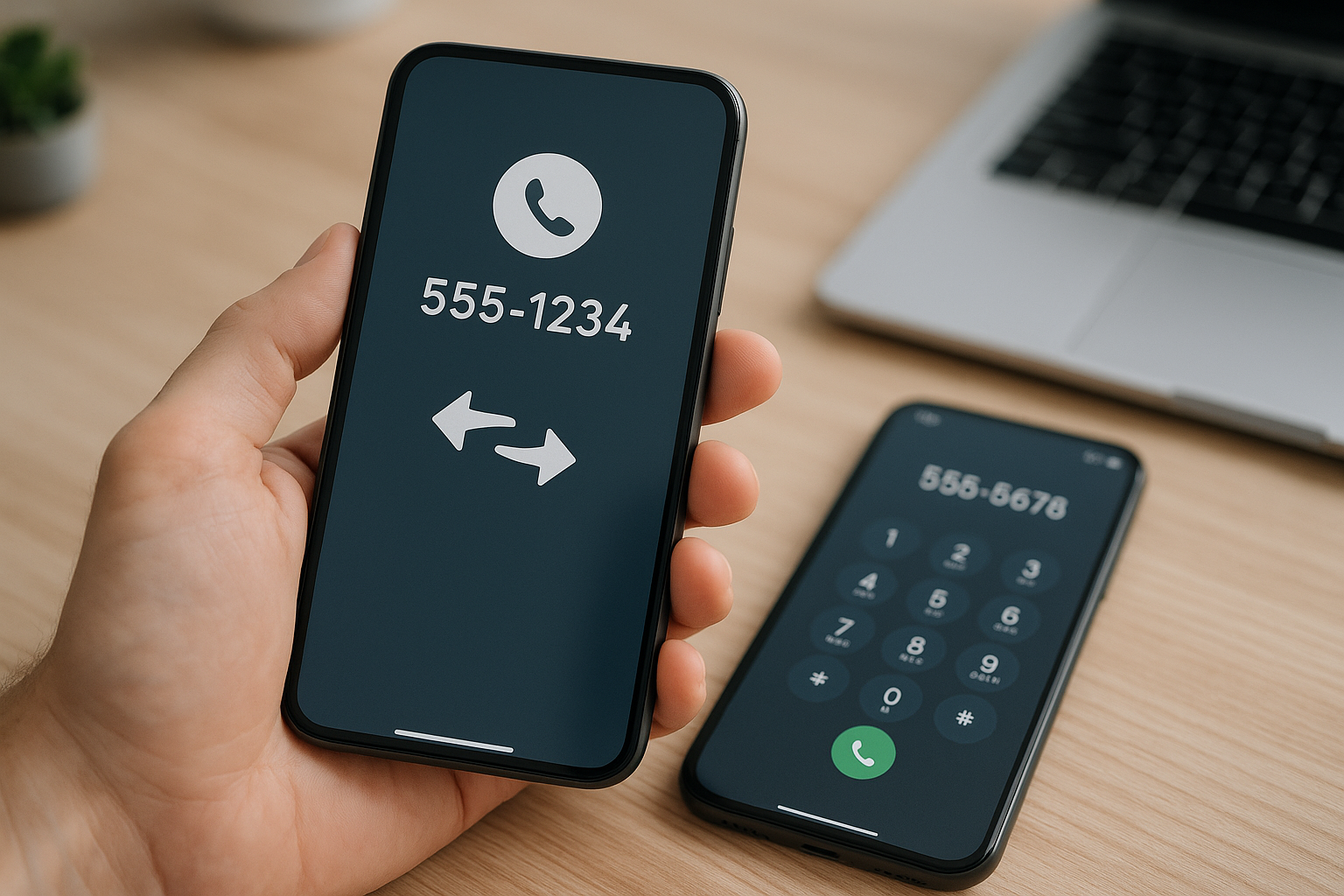
Yes, you can usually keep your phone number when switching Lifeline providers. Under FCC local number portability rules, most mobile and landline numbers can be moved (“ported”) to a new carrier, including Lifeline carriers, as long as the number is active and your account details match. You’ll complete two actions at once: transfer your Lifeline benefit to the new provider and port your number in. Keep your current service active until the port finishes.
How Number Portability Works with Lifeline
Number portability is a nationwide system that lets you move your existing number between carriers. When you switch Lifeline providers, two coordinated processes occur:
- Lifeline benefit transfer: The new provider uses the National Verifier (managed by USAC) and the National Lifeline Accountability Database (NLAD) to move your Lifeline enrollment from your current provider.
- Number port: The new provider requests your existing number from your old carrier through the industry portability system (NPAC) and activates it on its network.
Wireless number ports are typically “simple ports,” which by FCC rules should complete within one business day of a clean request. In practice, many wireless ports complete in minutes to a few hours. Landline or VoIP ports can take longer, often 1–3 business days.
Do not cancel your existing service before the port completes. Your number must remain active to be eligible for porting. Once the port finishes, your old line usually disconnects automatically.
Previous Lifeline “port freeze” rules that limited how often subscribers could change providers have been removed. You can switch providers when needed, but number portability still requires the correct account credentials from your current provider.
What to Gather Before You Switch
Having the right information reduces delays and prevents rejected port requests. Collect the following before starting with a new Lifeline provider:
- Account number with your current provider (not always the phone number; check your online account, the provider’s app, or a recent statement).
- Port-out PIN or Number Transfer PIN from your current provider. Many carriers let you generate this in the app or by contacting support; it may expire quickly.
- Account name and address exactly as on file. For prepaid accounts, the ZIP code on file is often used for verification.
- Last four digits of SSN or date of birth, if your current provider uses it for account verification.
- Active service status. If your Lifeline service has been de-enrolled for non-usage or suspended, ask your current provider to restore it before porting.
- Device plan: Decide whether to bring your own phone. If so, confirm it’s unlocked and compatible with the new provider’s network, and whether they support eSIM or require a specific SIM.
Also check coverage where you live and work, back up contacts and photos, and plan to re-set voicemail. Two-factor authentication codes tied to your number may be interrupted during the port, so have backup login methods ready.
Step-by-Step: Switch Lifeline Providers and Keep Your Number
-
Pick your new provider and plan.
Compare coverage maps, device options, data and hotspot allowances, and any add-on costs like activation or replacement SIM fees. Confirm they accept number ports for your area code and rate center, especially if you’re moving from a landline or VoIP service.
-
Check or confirm Lifeline eligibility.
Have eligibility documents (such as proof of qualifying program participation or income) ready for the National Verifier. The new provider will guide you if revalidation is needed.
-
Start enrollment and state you want to keep your number.
Provide your existing phone number and select the option to transfer it from your current provider. This kicks off both the Lifeline benefit transfer and the number port.
-
Provide exact porting details.
Enter your current account number, port-out PIN, account name and address or ZIP code, and any requested identity details. Precision matters—small mismatches cause rejections.
-
Keep your current service active.
Don’t cancel or remove your old SIM until the new provider confirms completion. If your account is deactivated, the number becomes ineligible for porting and may be reassigned.
-
Activate with the new provider.
When your new SIM or eSIM is ready, follow the activation steps. You may see a brief service interruption as the number moves. Test calling, texting (including short codes), data, and voicemail setup.
-
Confirm the old line disconnected.
After the port completes, your old line typically turns off automatically. Pay any final balance due to the former provider. If you received a subsidized device, check the old provider’s return or ownership terms.
How Long It Takes and What Moves with You
Timelines vary by carrier, day of the week, and whether the request passes validation on the first attempt. Here’s what typically transfers and what does not.
| Item | Transfers to New Provider | Notes |
|---|---|---|
| Your phone number | Yes | Must remain active until the port completes. |
| Voicemail greetings & saved messages | No | Set up voicemail again; old messages usually can’t be moved. |
| Text/MMS history | No | Messages stored on the phone remain; carrier-stored history does not move. |
| Contacts | No (device/cloud dependent) | Back up to your device or cloud account before switching. |
| Lifeline benefit | Yes | Transferred via NLAD during enrollment with the new provider. |
| Outstanding balance/fees | N/A | Old provider may bill you after the port; it does not block portability. |
| Device | Only if compatible/unlocked | Verify network compatibility and lock status if bringing your phone. |
Typical Porting Timelines
- Wireless-to-wireless: minutes to a few hours; up to one business day if there are data mismatches or backlog.
- Landline/VoIP to wireless: usually 1–3 business days; can take longer if special handling is needed.
- Weekends/holidays: requests may queue and complete the next business day.
Costs, Contracts, and Device Locks
Most carriers do not charge a fee just to port out your number. You remain responsible for unpaid balances or fees with your previous provider, and they can bill you after the port. If you had a device installment plan or an early termination fee on a non-Lifeline line, those obligations may still apply even though the number is allowed to move.
Number portability is separate from device locking. You can port your number even if your current phone is locked. If you want to keep the same phone with the new Lifeline provider, ask your current provider about its unlocking policy or bring a compatible unlocked device. Also verify whether the new provider requires a specific SIM or eSIM for Lifeline service.
Common Roadblocks and How to Fix Them
Most failed ports involve data mismatches or inactive lines. Here’s how to avoid or resolve common issues:
- Mismatched info (name, address, ZIP, PIN): Use the exact details your current provider has on file—even if they’re outdated. If needed, update their records first, then retry the port.
- Wrong or missing port-out PIN: Generate or request a fresh PIN and confirm how long it’s valid. Some expire within minutes or hours.
- Inactive or suspended number: Ask your current provider to restore service before porting. Numbers disconnected too long may have been reassigned and can’t be recovered.
- Fraud/security hold: Providers may block ports flagged as suspicious. Contact your current provider’s fraud team to lift the hold after verifying your identity.
- Geographic limitations (mostly landline): Wireline numbers can be tied to a rate center. If you moved outside that area, consider porting to a wireless provider that supports your number or accepting a new number.
- Temporary service loss: During cutover there may be a brief outage. Keep both SIMs handy, and restart the phone after activation if calls, texts, or data fail.
- Voicemail and short codes: Recreate voicemail greetings and test verification texts from banks or apps. Some short codes can take extra time to work after a port.
Special Cases and Edge Scenarios
Not every switch is a simple wireless-to-wireless port. These scenarios need extra care:
- Porting from landline or cable phone: Expect 1–3 business days. Have your latest bill with the exact service address and account number ready.
- Porting from VoIP services (including app-based numbers): Many VoIP numbers can be ported. Check the service’s port-out process; some charge a one-time fee or require you to unlock the number first.
- Transferring between associated brands: Even if both providers use the same underlying network, you still need the account number and port-out PIN from the old brand.
- Moving to a new state or area: Wireless numbers are portable across state lines, but confirm the new provider supports your number’s area code. If not, request a new number at activation.
- Tribal Lifeline: The portability process is the same. Confirm your new provider supports Tribal Lifeline in your area and that your documentation is current.
- Organization-owned or family plan numbers: Only the account owner can authorize a port. If your number is on someone else’s account, have the owner get the port-out PIN and approve the transfer.
Security Tips During and After a Port
Number ports can be targeted for SIM-swap fraud. Reduce risk while you switch:
- Set a strong account PIN/password with your current provider and add a port-out lock if available. Temporarily remove it only when you’re ready to switch.
- Generate the port-out PIN immediately before submitting the port. Don’t share it by text or email.
- Notify critical contacts and set alternative 2FA methods (authenticator app, backup codes) for banking and email in case texts are delayed.
- After activation with the new provider, add a new account PIN and enable any extra security features they offer.
Key Takeaways
- You can keep your number when switching Lifeline providers if your current line is active and you provide the correct account number and port-out PIN.
- Don’t cancel your old service first; the number must be active for the port to work.
- Wireless ports often complete within hours; landline and VoIP ports can take a few business days.
- Your number and Lifeline benefit move; voicemail, message history, and contacts do not.
- Porting itself is usually free, but you’re still responsible for any amounts owed to your previous provider.
Frequently Asked Questions
Can my old provider refuse to let me keep my number?
No. A carrier can’t block a valid port request because you owe money or have a contract. Ports fail when information doesn’t match their records, the number is inactive, or there’s a fraud hold. Provide exact account details and clear any holds to proceed.
How do I find my account number and port-out PIN?
Check your online account, the provider’s app, or a recent statement. If you don’t see them, contact support and ask for your account number and “port-out” or “number transfer” PIN. Some providers require you to generate the PIN in the app or by text, and it may expire quickly.
Will I lose service during the switch?
You may see a brief interruption—typically minutes—while the number moves. Keep your old SIM active until the new provider confirms completion or tells you to insert the new SIM/eSIM. Restart your phone after activation if calling, texting, or data don’t work immediately.
What if my Lifeline service was de-enrolled for non-usage?
If your line is inactive or de-enrolled, you may not be able to port the number. Ask your previous provider if they can restore the account. If the number has already been reassigned, you’ll need a new number with your new Lifeline provider.
Can I switch providers multiple times and still keep my number?
Yes, as long as the number stays active and you have the correct credentials each time. The former Lifeline “port freeze” limits have been removed, but frequent switching can increase the chance of short service disruptions.
Does porting my number affect 911 or emergency services?
During the brief transition there’s a small chance of misrouting. After activation, test calling and update your emergency address if your provider supports enhanced 911. If you use medical alert or security systems tied to your number, schedule the port to minimize downtime.
Can I bring my own phone when I switch Lifeline providers?
Often yes. Check that your phone supports the new provider’s network bands and confirm whether it’s unlocked. A locked device doesn’t stop the number port, but it can prevent you from using that phone on the new provider until it’s unlocked or you use a compatible device.